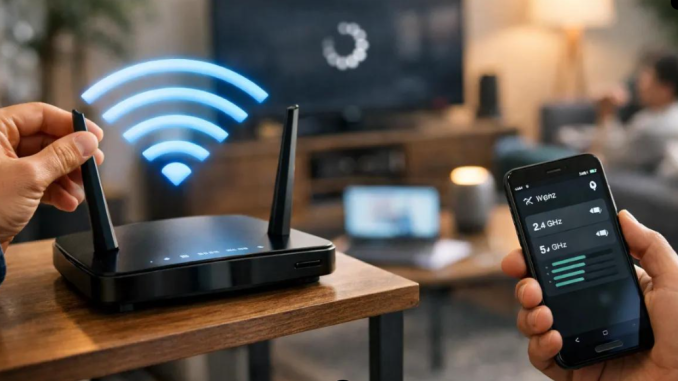
Sharing your Wi-Fi password with a visitor may seem like a harmless favour. Perhaps a neighbour needs internet access, a friend wants to download a file or a visitor wants to connect their phone. However, allowing unknown devices onto your network can create privacy and security risks.
Before sharing your connection, there are a few important things worth understanding.
1. Know who is connecting
Do not share your password publicly or give it to people you do not trust. Every device connected to your network becomes part of the same local network unless your router provides separate guest access.
2. Create a guest network
Many modern routers allow you to create a separate guest Wi-Fi connection. This lets visitors access the internet without giving them the same level of access to devices on your main network.
3. Change the default router password
Some routers come with default administrative passwords. If these are never changed, they may be easier for attackers to guess. Use a strong, unique password for your router’s administration page.
4. Use modern Wi-Fi security
Where available, choose WPA3 or WPA2-AES security. Avoid outdated security methods such as WEP, which offer weak protection.
5. Check connected devices occasionally
Your router’s administration page or application may show which devices are connected. If you notice an unfamiliar device, investigate it and change your Wi-Fi password if necessary.
6. Avoid sharing sensitive information over unsecured networks
Even if someone is using your internet connection, you should not assume their device is secure. Use trusted websites and applications, keep your devices updated and avoid exposing sensitive files through shared network settings.
7. Update your router’s software
Router manufacturers sometimes release updates to fix security weaknesses. Check whether your router has firmware updates and install them through the manufacturer’s official instructions.
Final thoughts
Sharing Wi-Fi is not necessarily dangerous, but careless sharing can expose your home network to unnecessary risks. Use a guest network, secure your router and change passwords when access should no longer be available.
Leave a Reply